No API Key, Just Sign In
Add the server URL to your agent and sign in with your Seedance 2 account in the browser. There are no keys to create, copy or keep safe.
Connect your AI agent to Seedance 2 and have it make videos and images for you. Setup guide
Your agent sets up Seedance 2 for you
Approve the connection with your Seedance 2 account, then ask ChatGPT for videos or images.
Describe the scene, the camera move and the mood in plain words. Your agent sends it to Seedance 2.0 or 2.5 and brings the finished clip back into the chat.
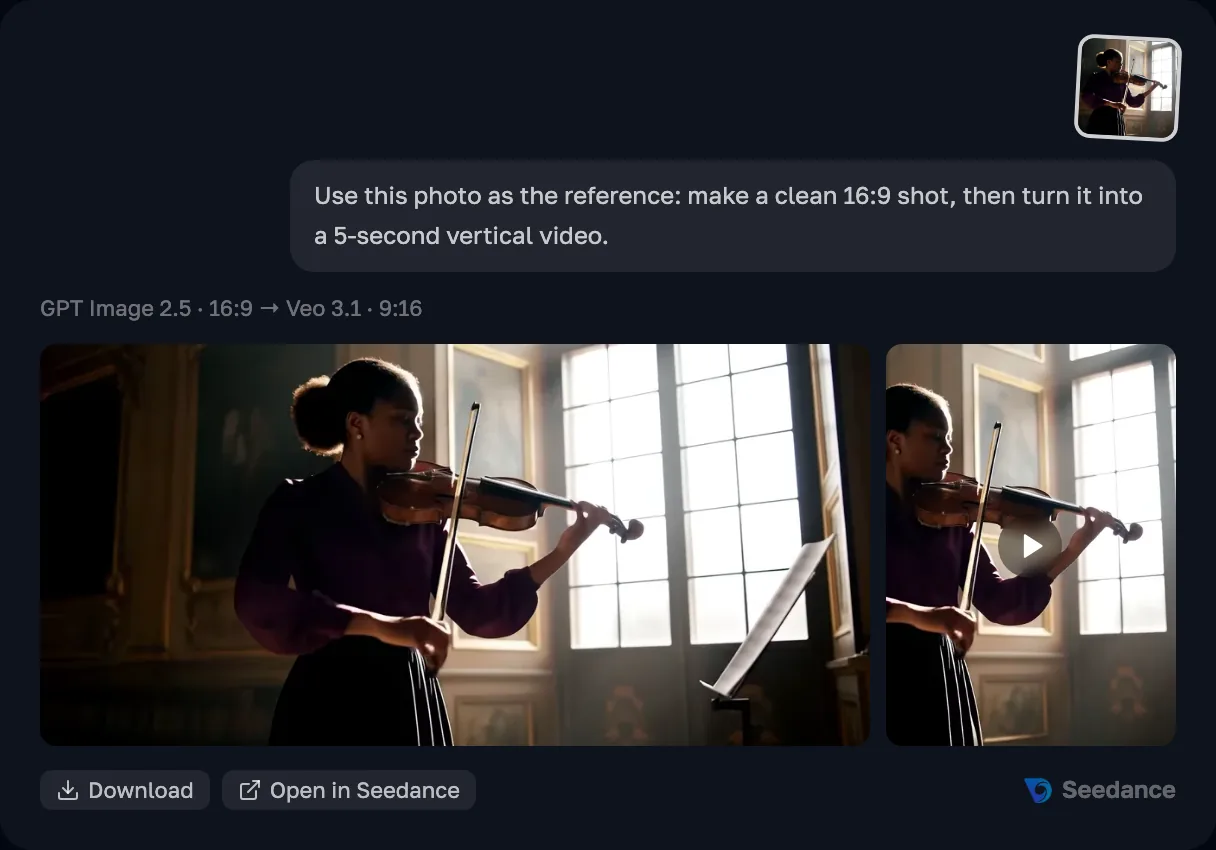
Give your agent a product shot, a portrait or a first and last frame. It uploads them and turns them into a video that keeps the same face, product and look.
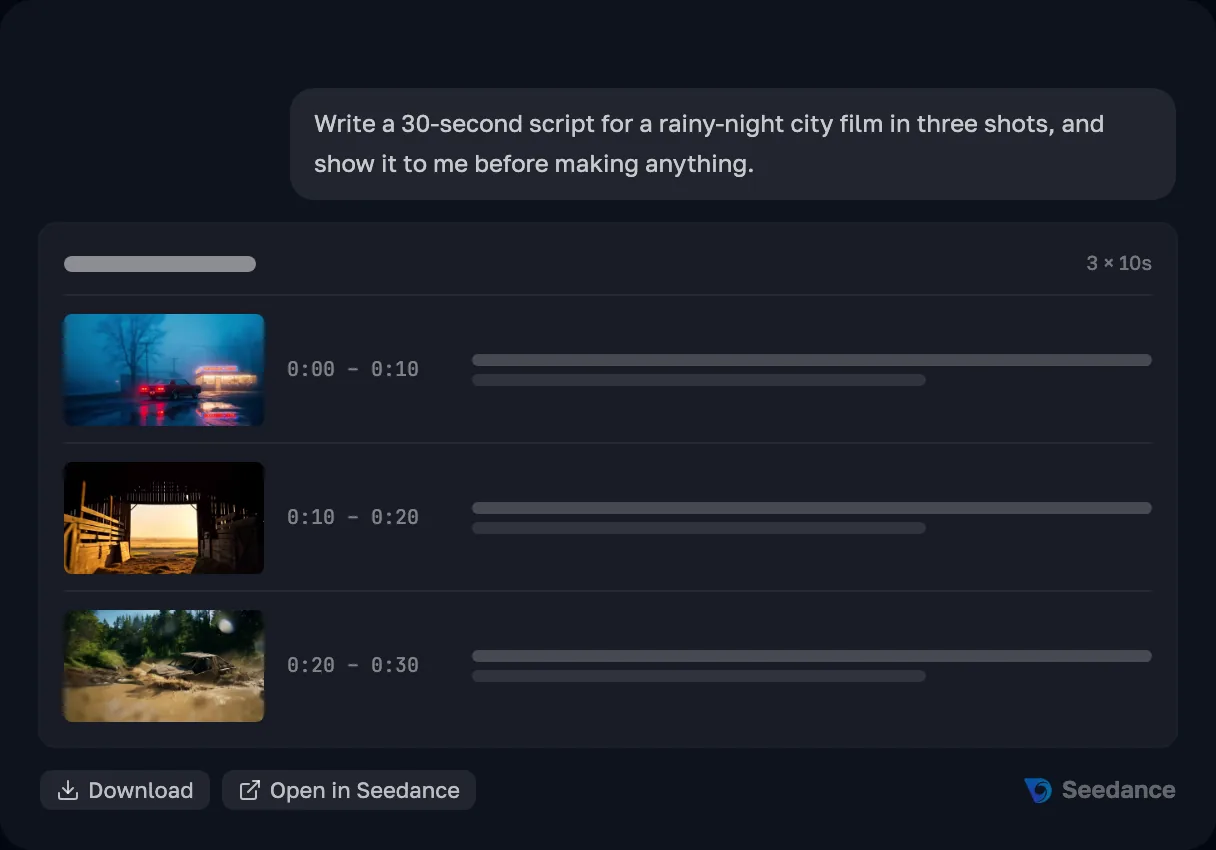
Add reference images, video or audio, and your agent passes them to Seedance so the new video follows their characters, motion and style.
Ask for product shots, posters or characters from a prompt, or send a picture and have it restyled or changed. The results can go straight into your next video.
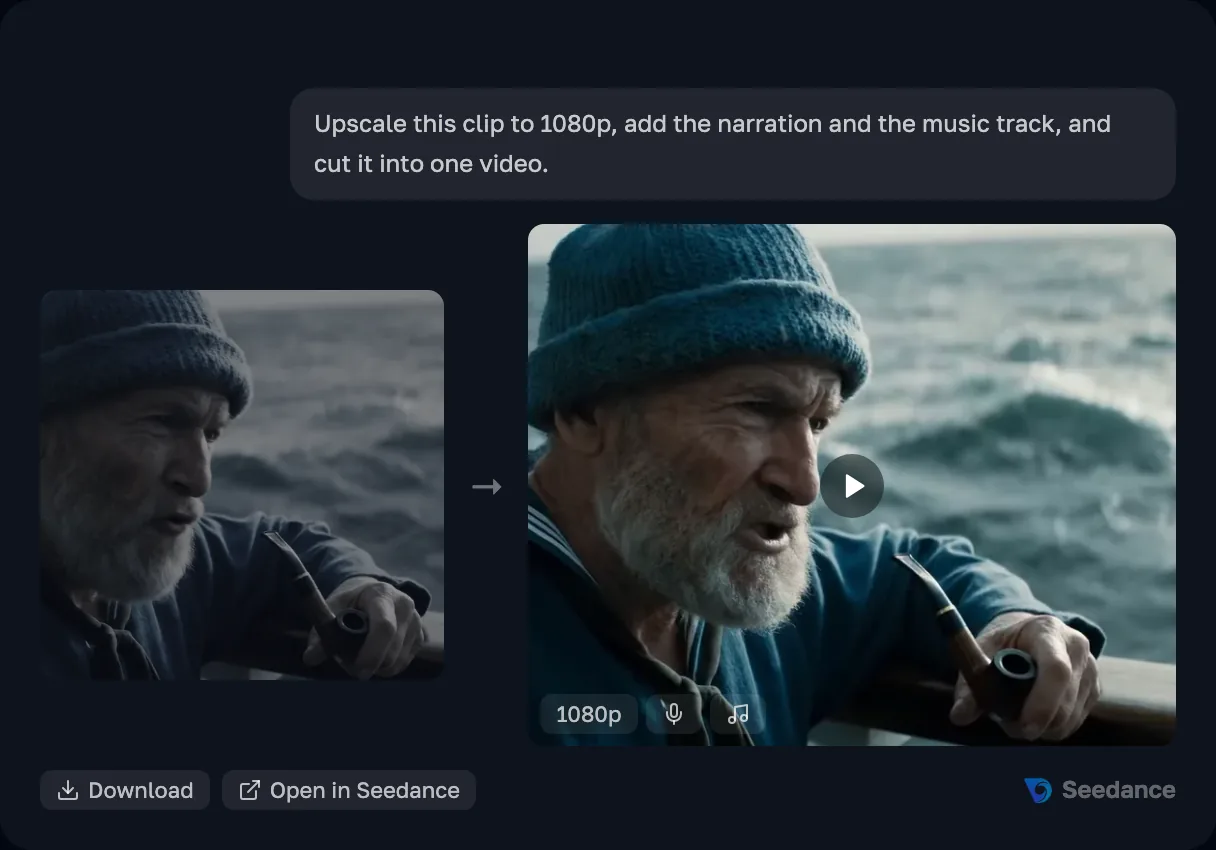
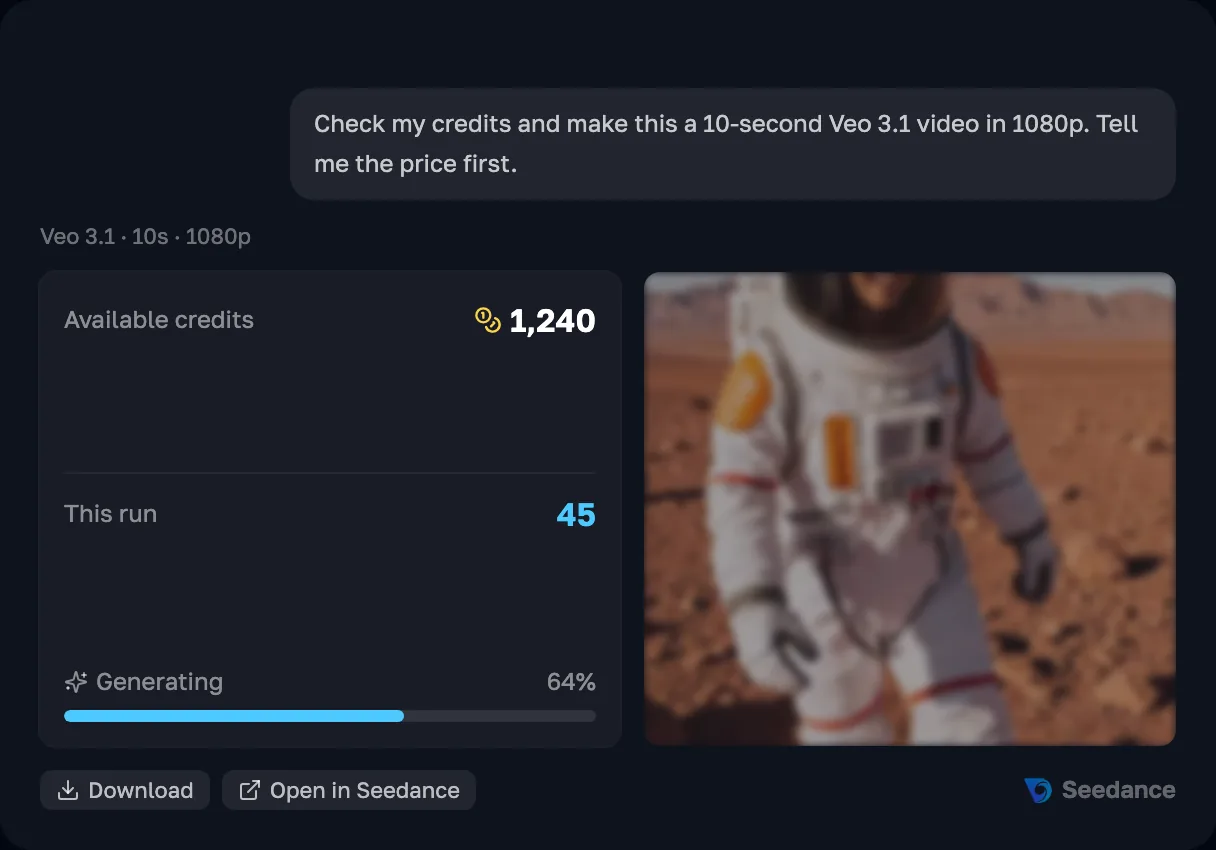
Describe the result instead of studying every model and option. Your agent picks a fitting model or uses the one you name, sets duration, ratio and resolution, and tells you the price before it runs.
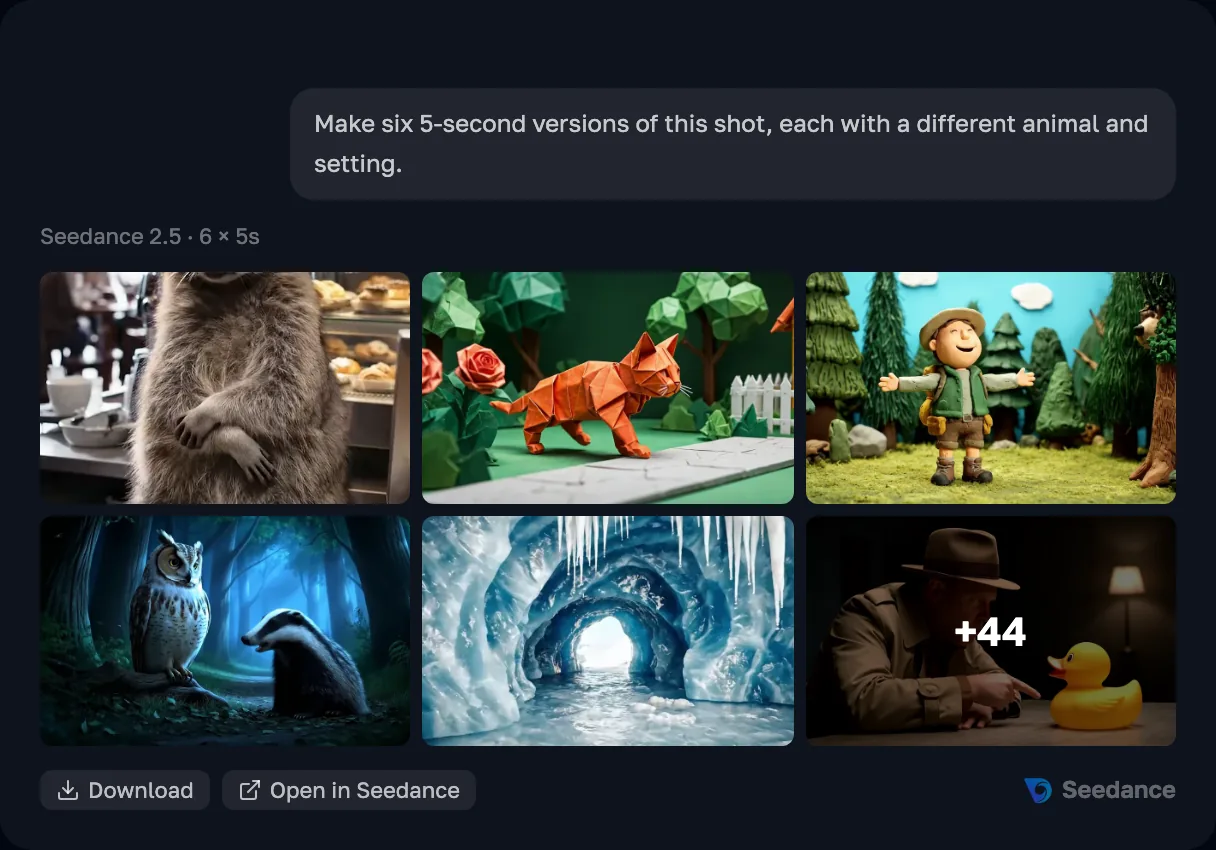
Ask for a few takes of the same shot in one message. Your agent starts them together and follows each one, so you can compare the results and keep the best.
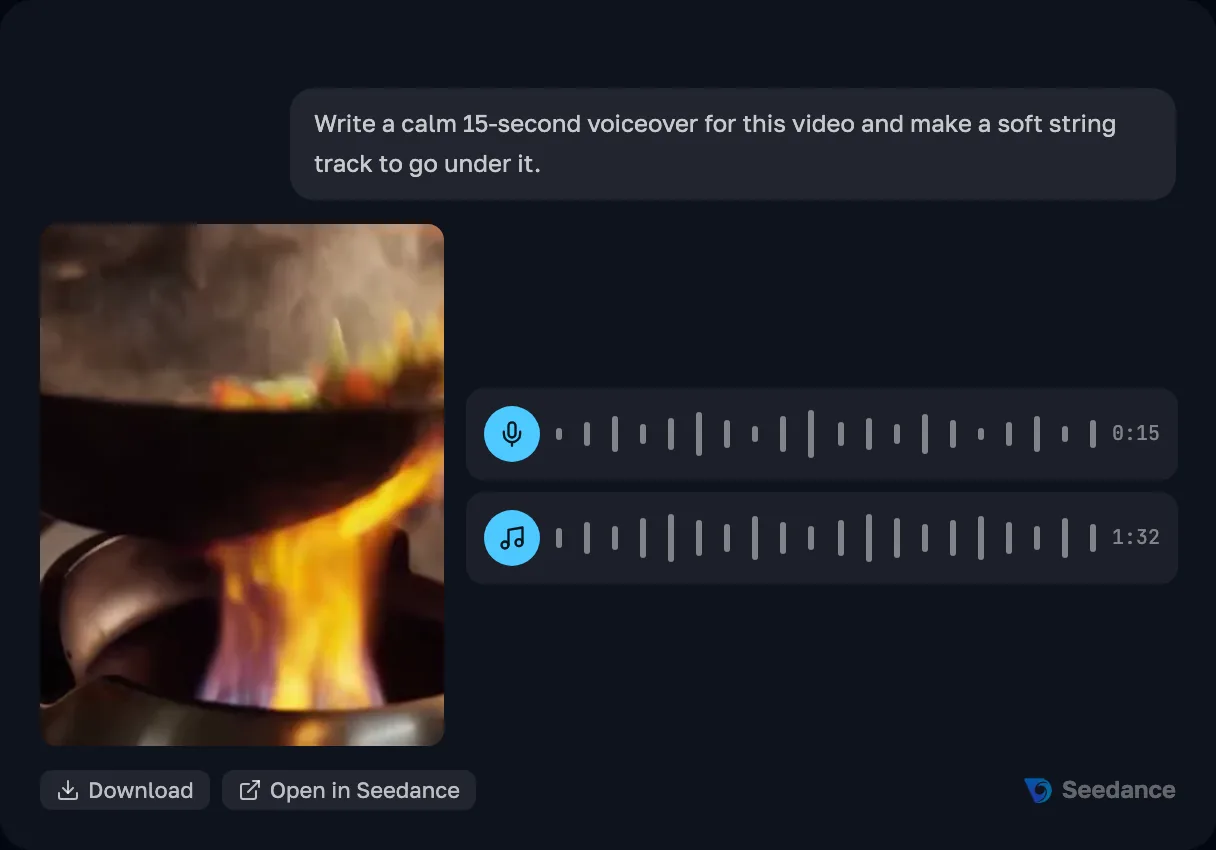
Add the server URL to your agent and sign in with your Seedance 2 account in the browser. There are no keys to create, copy or keep safe.
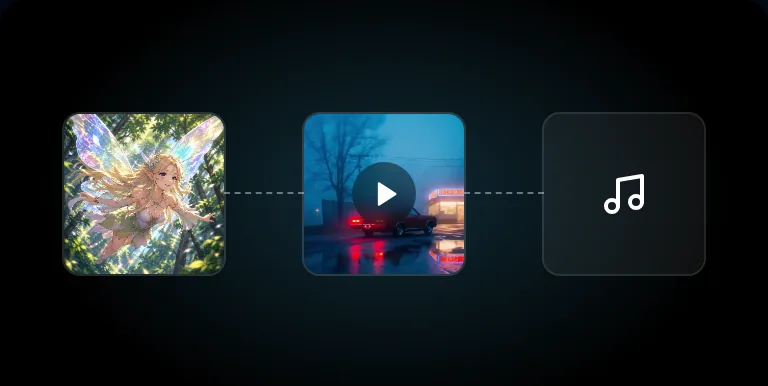
Every video and image your agent makes is saved to your Seedance 2 account, so you can open it on the website later to download or reuse it.
Use Seedance 2.0, Seedance 2.5 and the image models on Seedance 2 through a single connection.
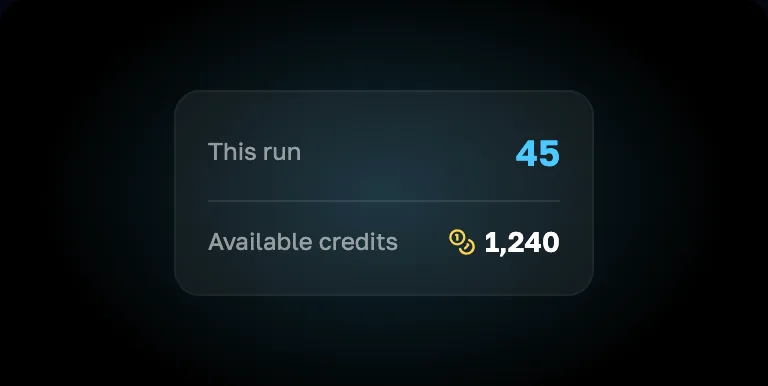
Your agent checks the price and your balance before it spends anything, and failed runs are refunded automatically.
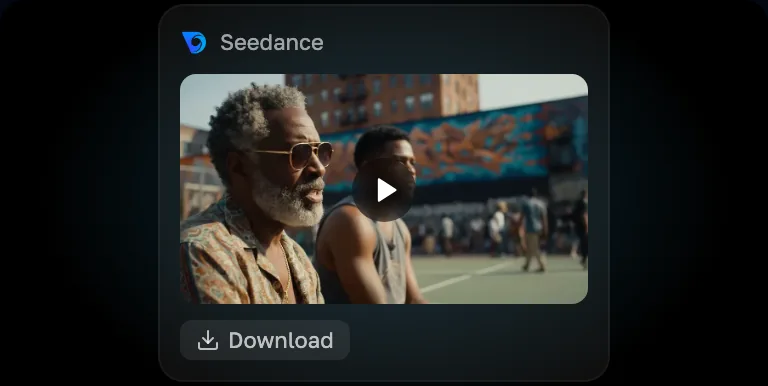
Finished videos and images come back into the conversation, ready to play, download or use in the next step.
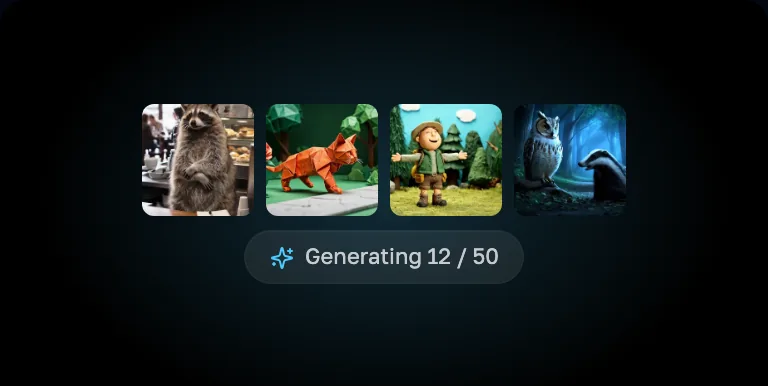
Generations use your Seedance 2 credits at the same prices as on the site. Connecting costs nothing.
Through MCP (Model Context Protocol), the standard way AI agents use outside tools. You add the Seedance 2 MCP server at https://www.seedance2.net/mcp to your agent and sign in once. After that you describe what you want in plain words, and your agent uploads your files and runs video and image jobs on your Seedance 2 account.
ChatGPT, Claude, Claude Code, Gemini, Grok, Cursor, OpenClaw and Hermes, each with its own steps at the top of this page. Any other agent that supports remote MCP servers with OAuth sign-in works too.
Videos from text, from images or from reference images, video and audio, made with Seedance 2.0 and 2.5, plus images from text and edits of your own pictures.
No. You add the server URL to your agent and sign in with your Seedance 2 account. Your agent never sees your password, and you can disconnect it any time in Connected apps.
Connecting is free. Generations use your Seedance 2 credits at the same prices as on the website. Your agent can read the price before every paid run, and failed runs are refunded automatically.
Your agent can check the price and your balance before every paid run and runs only what you asked for; how often it checks with you is up to your agent's settings. If your balance is short, nothing is charged. You can disconnect it any time in Connected apps.
Yes. Coding agents like Claude Code and Cursor can upload files from your computer, and any agent can bring in a file from a public link.
Yes. Name the model you want, such as Seedance 2.0 or Seedance 2.5, or let your agent suggest one that fits your idea, format and budget.
Your agent shows the results in the chat, and everything is saved to your Seedance 2 account, where you can download or reuse it.
Yes, if it supports remote MCP servers over Streamable HTTP with OAuth sign-in. Add https://www.seedance2.net/mcp as a remote server and sign in to Seedance 2 when asked.